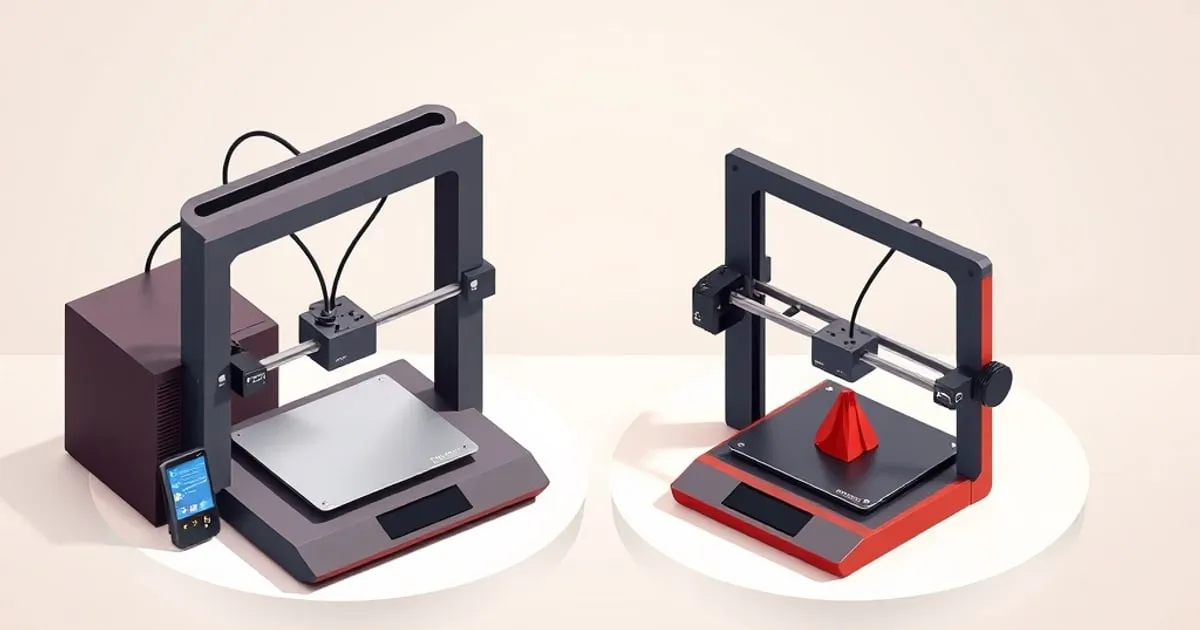
Bambu Lab’s A1 series is the company’s open-frame, bed-moving line — the affordable entry into the ecosystem. There are two models: the larger A1 and the compact A1 mini. They share a remarkable amount, which makes the choice almost entirely about build volume, desk space, bed temperature headroom, and budget rather than print quality. Here is the honest breakdown.
Specs at a Glance
| Spec | A1 mini | A1 |
|---|---|---|
| Build volume | 180 × 180 × 180 mm | 256 × 256 × 256 mm |
| Max nozzle temp | 300°C | 300°C |
| Max bed temp | 80°C | 100°C |
| Max print speed | 500 mm/s (rated) | 500 mm/s (rated) |
| Max acceleration | 10,000 mm/s² | 10,000 mm/s² |
| Z-axis design | Single upright (cantilever) | Dual uprights + gantry beam |
| AMS Lite support | Up to 4 filaments | Up to 4 filaments |
| Build plate options | 2 | 4 |
| Printer footprint | 347 × 315 × 365 mm | 465 × 410 × 430 mm |
| Net weight | 5.5 kg | 8.3 kg |
| Display | 2.4-inch touchscreen | 3.5-inch touchscreen |
| Maximum rated power | 150 W | 1300 W at 220 V; 350 W at 110 V |
Sources: Bambu Lab A1 mini tech specs, Bambu Lab A1 tech specs
Note the footprint gap: the A1 is 118 mm wider than the mini, not the near-parity that older comparison tables suggest. Both are bed-slingers, so both also need clearance behind and in front for the plate to sweep. The Bambu bed sizes and desk footprints reference has the full lineup with the AMS stacking height.
What They Share
The A1 and A1 mini are built on the same philosophy and most of the same engineering:
- Both are open-frame bed-slingers: the bed moves along Y, the toolhead along X, and the gantry rises along Z.
- Both use automatic bed leveling with a multi-point mesh probe, so first-layer setup is hands-off.
- Both run vibration compensation and flow calibration automatically.
- Both support an AMS Lite for up to four-color printing.
- Both use Bambu Studio and Bambu Handy; select the correct model profile and model-specific firmware.
- Both share the same realistic material range: PLA and PETG excellent, TPU workable on direct drive, ABS/ASA not recommended because neither has an enclosure.
For material and feeder compatibility, see our A1 PLA, PETG and TPU choices.
The matching motion ratings do not establish identical print quality. They make build volume and material compatibility more useful specification-based starting points than the shared maximum speed.
The Build Volume Gap
The defining difference is build volume. The A1 mini uses a compact 180 × 180 × 180 mm bed; the full A1 steps up to a 256 × 256 × 256 mm volume — the same footprint class as the P1 and X1 machines.
That difference matters more than the raw numbers suggest, because print volume scales with the cube of linear size. The A1’s bed isn’t just “a bit bigger” — it has dramatically more usable area and roughly three times the build volume. In real use:
- A1 mini comfortably handles the majority of consumer prints: brackets, organizers, toys, tabletop miniatures, replacement parts, and most single-piece functional items.
- A1 handles those plus larger single-piece parts — helmet sections, large enclosures, full-size tool organizers, sizeable cosplay pieces — without splitting and gluing.
If you regularly hit “this won’t fit on the plate” you will resent the mini. If you never have, the extra size is just a bigger desk footprint to house.
For batch printing, compare plate area separately from height. The published dimensions give 256² / 180² = 2.02 times the nominal plate area, while 256³ / 180³ = 2.88 times the nominal volume. Those are geometric ratios, not guaranteed part counts: spacing, brims, supports and arrangement consume area. Arrange your actual batch in both printer profiles to see whether the larger plate removes a second job.
The Other Four Differences
Build volume dominates the decision, but four smaller gaps are worth knowing before you commit.
Bed temperature. The A1’s heated bed reaches 100°C; the mini tops out at 80°C. Compare the exact filament and plate recommendations against those limits. The extra 20°C does not change the manufacturer’s warning against ABS, ASA, PC and PA on these open-frame machines.
Frame rigidity. The A1 uses two Z uprights with a horizontal gantry beam, giving the 256 mm X-rail a properly supported span. The mini uses a single cantilevered upright. At 180 mm the cantilever is short enough that flex is not a practical issue; at 256 mm the dual-upright design resists resonance better at high speed. Vibration compensation corrects most induced ringing on both, but the mechanical advantage belongs to the A1 at its scale.
Build plate options. Buy the size made for the selected printer and check the surface’s material guidance. Plate products and names change; the build-plate guide explains the surface differences without treating plate availability as permission to exceed a printer’s material limits.
AMS Lite mounting. Include the separate spool unit and its filament paths in your space plan. Check the official installation layout for the chosen machine; a bare-printer dimension cannot describe the whole Combo workspace.
Neither accepts the full enclosed AMS unit; that is exclusive to the P1 and X1 series.
Footprint and Noise
The A1 mini’s appeal isn’t only price — it’s that it physically fits where a larger machine won’t: a bookshelf, a small desk, a dorm room. The full A1 needs meaningfully more bench space and, like all bed-slingers, throws mass back and forth on the Y axis, so a sturdy surface matters more for the larger machine to avoid resonance ghosting at speed.
Both are reasonably quiet for FDM printers in their default quiet modes, but a heavier moving bed on the A1 means desk choice has more impact on print quality at high speed. The mini is more forgiving of a flimsy table.
Electrical ratings and screen size
The A1 electrical specification lists 1300 W at 220 V and 350 W at 110 V. The mini’s specification lists 150 W. These are maximum rated loads, not average printing consumption. They are relevant when checking a supply or UPS; estimating energy cost requires average power over the actual job duration.
The A1’s 3.5-inch screen is larger than the mini’s 2.4-inch screen. Both also support app and computer control. Consider how often you expect to use the printer’s own controls before assigning much value to that difference.
Speed and Throughput Are Effectively Equal
A common assumption is that the larger A1 must be slower because it moves a bigger, heavier bed. In practice, for the prints most people run, throughput is close enough not to be a deciding factor. Both machines carry Bambu’s high speed rating and the same vibration compensation, and both are realistically run well below their headline speed when you want clean output. The larger A1’s heavier bed makes a stable surface matter more at aggressive speeds — on a flimsy table you’ll see resonance ghosting sooner — but on a solid bench the quality-vs-speed curve is similar.
Where the A1 can actually finish a job faster is the case it’s built for: a large part that fits on its plate in one piece versus the same part split into sections, printed separately, and glued on the mini. Splitting adds setup, post-processing, and weak seams. So if your work trends large, the full A1 is not just bigger — it’s often the faster path to a finished part. If your work is small, the mini’s smaller moving mass is marginally more forgiving and the speed difference is academic.
Don’t let an imagined speed gap drive this decision. Build volume and footprint are the real axes.
Price and the AMS Lite Math
The A1 mini is Bambu’s cheapest entry point; the full A1 sits a clear step above it, and both have an AMS Lite combo option that adds four-color capability for a further increment. The decision usually comes down to two questions:
- Do you need the build volume? If yes, the A1 — there is no substitute for plate size, and splitting large prints is tedious and weakens parts at the seams.
- Is multicolor a priority? The AMS Lite works the same on both. If multicolor matters more than size, an A1 mini + AMS Lite combo can be the better-value path than a bare A1.
Compare the Combo premium with the current standalone AMS lite price using the same included accessories. Buying the printer first leaves the option to add the unit later; whether bundling saves money depends on the current listings. Both machines support one four-slot AMS lite. Check the sliced filament-change count, flush material and time estimate before paying for multi-color capability you may rarely use.
Which One Should You Buy?
Buy the A1 mini if:
- Your prints are mostly small-to-medium (most hobby, household, and educational use).
- Desk space or portability is a real constraint.
- You want the lowest-cost route into Bambu’s ecosystem, with or without multicolor.
Buy the A1 if:
- You regularly print large single-piece parts and don’t want to split them.
- You want bed-slinger affordability but X1/P1-class build volume.
- Desk space is not a limiting factor.
Where the A1 Series Fits Overall
Read our Bambu Lab A1 review for a specification-based assessment of the larger machine and its safety history.
Both A1 machines are open-frame, so neither replaces an enclosed printer for ABS/ASA. If engineering materials matter, see our P1P vs P1S comparison and A1 vs P1S head-to-head. Read the A1 mini reviewed on its own for its slicer integration and material limits. First printer of any kind? Start with the best Bambu Lab printer for beginners. Our AMS multicolor guide covers filament mapping and flushing.
The Bottom Line
Choose by build volume, bed-temperature ceiling, workspace and total package cost. The mini suits smaller jobs; the A1 adds plate area and height for larger parts and batches. For a broader comparison, run the interactive Bambu picker with your requirements or read our Bambu vs Prusa vs Creality breakdown.
Related across the network
- Which Voron Should You Build? V0, Trident, 2.4, Switchwire — voronlab.com