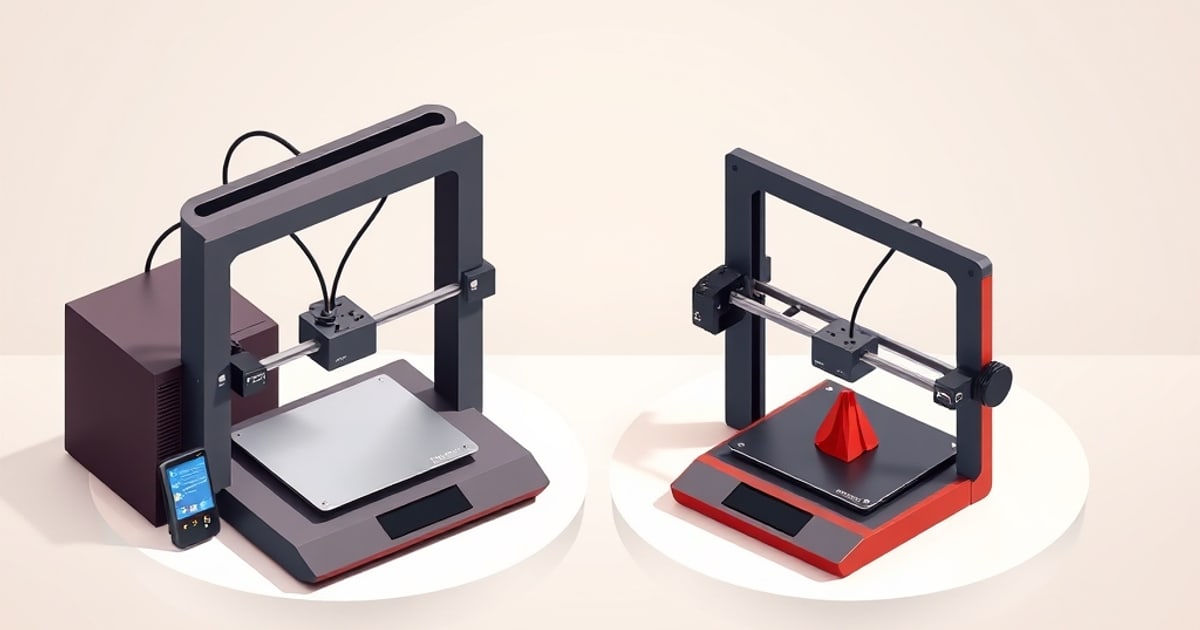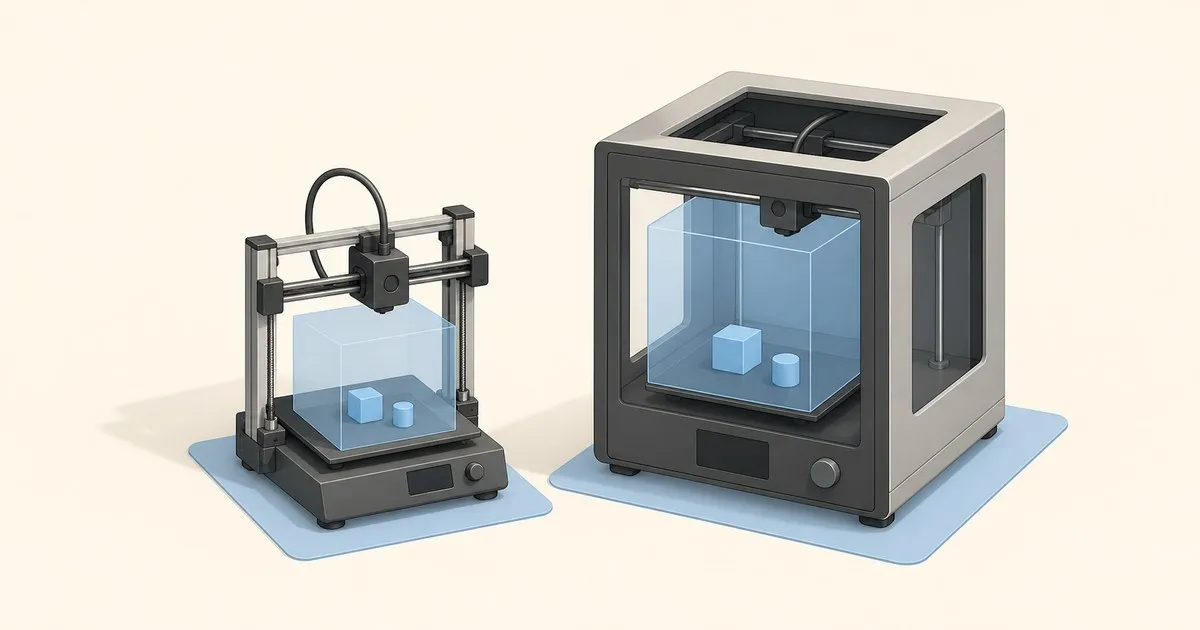
Two numbers decide whether a Bambu Lab printer works for you, and they are not the ones on the marketing page. The first is build volume: how big a part the machine can produce. The second is desk footprint: how much bench, shelf or cupboard the machine eats, which is the number that actually gets people into trouble after the box arrives.
This page collects both, from the manufacturer’s published specifications, along with the things the spec sheet does not tell you — the vertical clearance an AMS adds, the slicer setting that quietly costs you 6 mm of height, and why a bed-slinger needs more depth than its listed dimension.
The Numbers, In One Table
All figures below are the manufacturer’s published specifications. Build volume is width × depth × height; printer dimensions are the static chassis envelope. Inch figures are converted from the published millimetre values (1 in = 25.4 mm) and rounded to 0.1 in.
| Model | Build volume | Build volume (in) | Printer dimensions | Printer dimensions (in) | Net weight | Frame |
|---|---|---|---|---|---|---|
| A1 mini | 180 × 180 × 180 mm | 7.1 × 7.1 × 7.1 in | 347 × 315 × 365 mm | 13.7 × 12.4 × 14.4 in | 5.5 kg | Open, bed-slinger |
| A1 | 256 × 256 × 256 mm | 10.1 × 10.1 × 10.1 in | 465 × 410 × 430 mm | 18.3 × 16.1 × 16.9 in | 8.3 kg | Open, bed-slinger |
| P1P | 256 × 256 × 256 mm | 10.1 × 10.1 × 10.1 in | 386 × 389 × 458 mm | 15.2 × 15.3 × 18.0 in | 9.65 kg | Open CoreXY |
| P1S | 256 × 256 × 256 mm | 10.1 × 10.1 × 10.1 in | 389 × 389 × 458 mm | 15.3 × 15.3 × 18.0 in | 12.95 kg | Enclosed CoreXY |
| AMS 2 Pro | n/a | n/a | 372 × 280 × 226 mm | 14.6 × 11.0 × 8.9 in | 2.5 kg | Accessory |
The X1 Carbon shares the same 256 mm cube and the same enclosed CoreXY chassis class as the P1S. Bambu Lab discontinued it in March 2026 and its store listing no longer carries a live specification block, which is why it is not given its own row here; the X1 Carbon review covers the machine in detail for existing owners.
How Big Is the A1 mini Bed?
The A1 mini’s bed is 180 × 180 mm (7.1 × 7.1 in) with 180 mm (7.1 in) of Z height, and its plate diagonal of about 254 mm (10.0 in) lets a long, thin part fit when it is rotated 45 degrees. The A1 mini review covers the rest of the machine, and the A1 vs A1 mini comparison works through where the size gap bites.
The 250 mm Ceiling Nobody Mentions
Here is the detail that surprises new P1 and X1 owners. The P1 specification footnote states that, to prevent heatbed damage from collisions with foreign objects, the default printable height in Bambu Studio is set to 250 mm, not 256 mm. The last 6 mm is available, but only after you change the setting deliberately, and doing so disables the filament-cutter protection that the limit exists to provide.
Be precise about which machines this covers. Bambu’s wiki states that the tool-head movement was limited “for the X1 series and P1 series printers” — the A1 has the identical 256 mm cube and is not named. So the A1 is one of the few places the open bed-slinger is less constrained in software than the enclosed CoreXY machines.
There is a second reservation on the X1 and P1 machines that is easier to hit than the height one. The AMS filament cutter works by pressing its lever against a fixed stopper in the front-left corner, so Bambu Studio marks that corner off. The documented loss is 18 × 28 mm of plate — not a lot of area, but enough to reject a part you positioned into the corner to make it fit.
Between the two, a stock P1S slices as a 256 × 256 × 250 mm cube with an 18 × 28 mm notch out of one corner. It matters for exactly one situation: a part designed to fill the plate exactly, which then fails to slice for reasons that look like a bug. It is not a bug. It is a guard rail, and it is documented.
Desk Space: What the Dimensions Don’t Cover
The chassis dimension is a static measurement of the machine standing still. Three things push the real space requirement past it.
Bed-slingers sweep
The A1 and A1 mini move the print bed forward and back through the whole print. Their listed depth — 315 mm on the mini, 410 mm on the A1 — describes the machine at rest, not the volume the plate travels through. Leave clearance behind and in front of a bed-slinger, or the plate will meet a wall partway through a tall print. The enclosed CoreXY machines do not have this problem; the P1P and P1S keep the plate still and move the toolhead, so their footprint is genuinely their footprint.
This is the main reason the A1’s real bench requirement feels much larger than the P1S’s despite similar build volume. On paper the A1 is 465 mm wide against the P1S’s 389 mm; in use the gap is wider still.
The AMS goes on top
The enclosed machines are designed to carry the multi-material unit on the lid. Stack an AMS 2 Pro on a P1S and the published heights add up: 458 mm of printer plus 226 mm of AMS is 684 mm of total vertical clearance. That is the number to measure your shelf against, not the 458 mm on the spec sheet.
If you are planning multi-colour work, the AMS multicolor setup guide covers what the unit does with that space, and the AMS troubleshooting guide covers what happens when it misbehaves.
The A1 series uses the AMS Lite, which sits beside or behind the printer rather than on top of it, trading vertical clearance for bench width. Neither arrangement is better; they just fail differently depending on whether your constraint is a low shelf or a narrow desk.
Filament and access
A spool needs to unwind freely, prints need to come off the plate, and enclosed machines need their lid to open. None of that appears in a dimension line. Budget roughly a hand’s width around any machine you expect to use rather than admire.
Choosing by Size
Pick the A1 mini if your constraint is desk space or budget and your parts are small. At 347 × 315 mm it is the only machine in the lineup that genuinely fits on a crowded desk, and at 5.5 kg it is the only one that is comfortable to move. The limit is real: no enclosure means no ABS or ASA, and 180 mm is 180 mm.
Pick the A1 if you want the 256 mm cube at the lowest price and have the bench depth for a sweeping plate. It also gains a 100 °C bed against the mini’s 80 °C, but do not over-read that number. PETG wants 70–85 °C and TPU around 45 °C, and the mini reaches both. The 100 °C matters because it is what ABS and ASA ask for, and an open frame still cannot hold those flat, so on the A1 it is headroom rather than a new material.
Pick the Bambu Lab P1S if you want the same 256 mm cube in a fixed footprint, and especially if ABS or ASA are on the list — those materials need the enclosure to stay flat. It costs you 12.95 kg of desk weight and 458 mm of height before the AMS.
Consider a used P1P only if you already own one or find a sound used unit, want the open CoreXY frame and intend to print your own panels later. It is 3.3 kg lighter and 3 mm narrower than the P1S, and otherwise the same machine without walls; for a new purchase, pick the P1S.
The A1 vs P1S comparison and the P1P vs P1S comparison go deeper on those trade-offs, and the best Bambu Lab printer for beginners guide is the right starting point if this is a first machine. To get a ranked answer against your own constraints, the interactive Bambu picker takes build volume, materials and budget as inputs.
Does a Bigger Plate Print Better?
No. Print quality across the lineup is close once a profile is dialled in, and it is set by the things covered in the filament settings guide and first-layer calibration, not by plate dimensions. A larger plate buys you fewer part splits and fewer glue seams. It does not buy better surfaces.
What a larger plate does change is throughput per print job, and that runs into a separate ceiling: how fast the hotend can melt plastic. The volumetric flow and speed sizer works out that limit for a given nozzle and material, and the nozzle sizes guide covers the diameter change that lifts it. A big plate filled at 0.4 mm can take longer than most people expect.
Bigger plates also warp more, because a longer part has more length across which to shrink. That is a build plate and enclosure question, and it is why ABS on a 256 mm bed is a materially harder problem than ABS on a 180 mm bed.
Quick Reference
- A1 mini bed size: 180 × 180 mm, 180 mm tall (7.1 × 7.1 in, 7.1 in tall).
- A1, P1P, P1S, X1 Carbon bed size: 256 × 256 mm, 256 mm tall (10.1 × 10.1 in, 10.1 in tall). On the P1 and X1 machines only, Bambu Studio defaults the height to 250 mm and reserves 18 × 28 mm of the front-left corner for the filament cutter.
- A1 mini dimensions: 347 × 315 × 365 mm (13.7 × 12.4 × 14.4 in).
- A1 dimensions: 465 × 410 × 430 mm (18.3 × 16.1 × 16.9 in).
- Smallest footprint: A1 mini, 347 × 315 mm (13.7 × 12.4 in).
- Largest footprint: A1, 465 × 410 mm (18.3 × 16.1 in), plus bed-sweep clearance front and back.
- Tallest stack: enclosed printer 458 mm plus AMS 226 mm equals 684 mm (26.9 in).
- Heaviest: P1S at 12.95 kg.
Measure the shelf before ordering. It is the one mistake in this whole process that a firmware update cannot fix.
Related across the network
- Creality 3D Printer Buying Guide for Beginners — crealityreviews.com
- Which Voron Should You Build? V0, Trident, 2.4, Switchwire — voronlab.com
- Creality K1 vs Ender-3 V3: Speed, Noise, Cost — crealityreviews.com