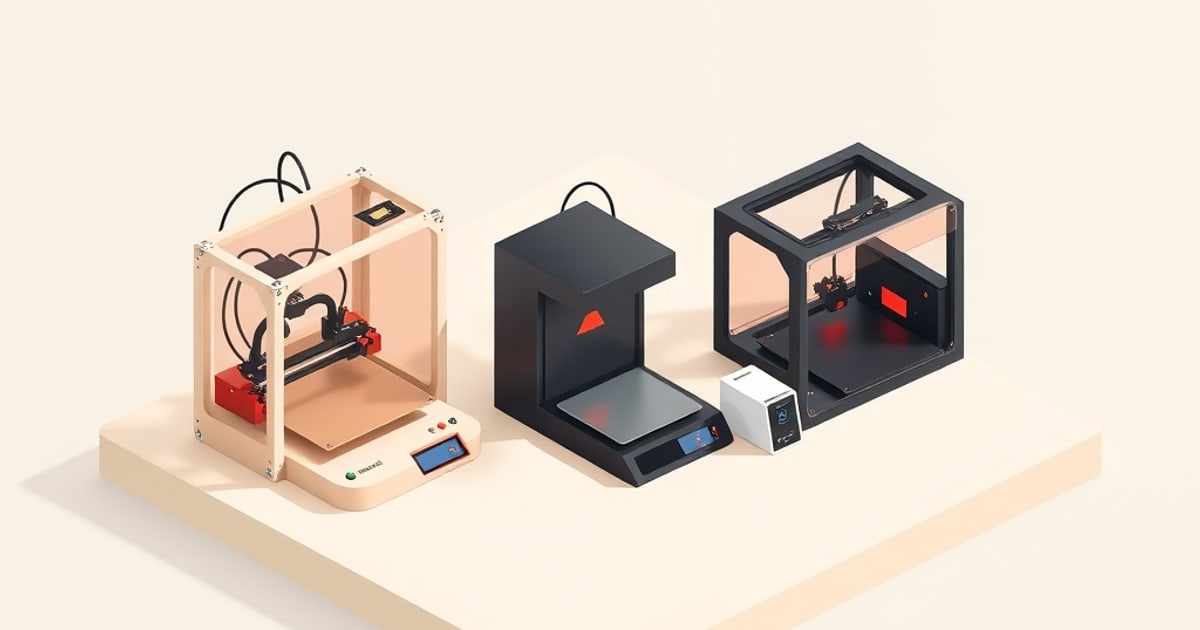
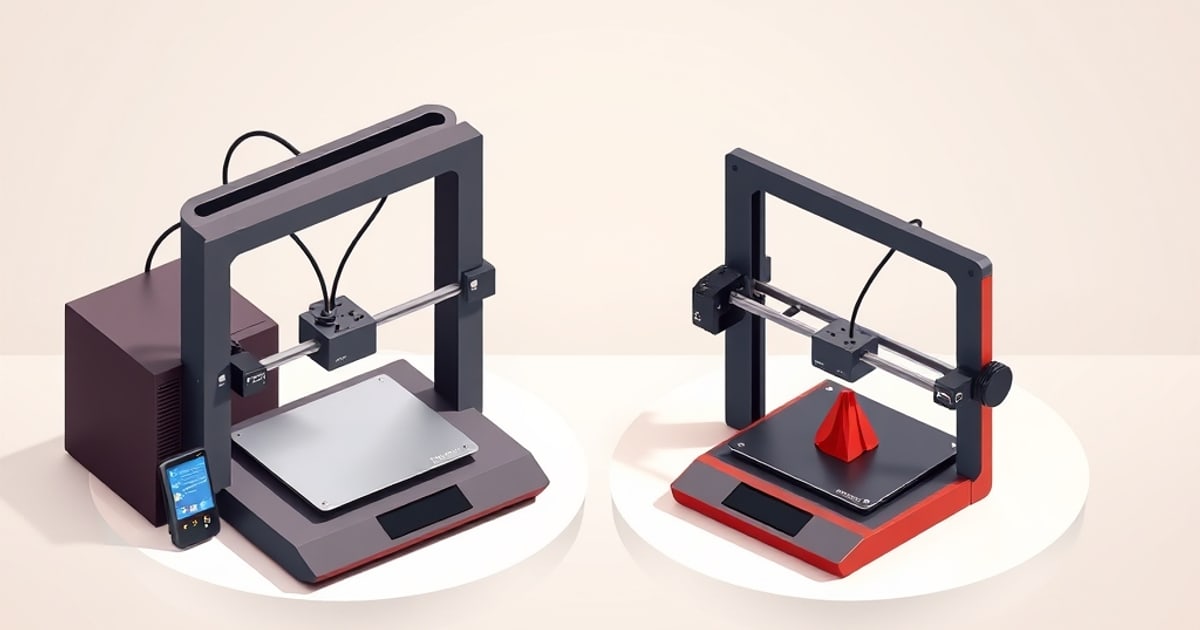
The P1P and P1S share a CoreXY motion platform and a 256 × 256 × 256 mm build volume. Bambu’s P1S specifications describe the shared platform and the P1S’s enclosure and cooling additions. The enclosure is the main buying distinction, along with whether an existing P1P is a suitable candidate for Bambu’s supported upgrade.
This comparison uses published specifications to assess material support and upgrade options. For a new purchase it recommends the P1S; the P1P sections are written for existing owners and for anyone weighing a used unit.
What’s Identical
Before the differences, it’s worth being clear about how much is shared, because it’s most of the machine:
- The CoreXY kinematics and the motor/belt layout.
- Bambu’s published 500 mm/s maximum print-speed rating and the same acceleration ceiling.
- The 256 × 256 × 256 mm build volume.
- The hardened-steel-capable hotend and the same nozzle system.
- Automatic bed leveling and vibration compensation; manual flow-dynamics calibration on the P1 series.
- Full AMS compatibility, identical on both.
- The same Bambu Studio slicer. See OrcaSlicer vs Bambu Studio for the software and calibration comparison.
Matching motion specifications are not a measured print-quality result. This comparison does not establish identical PLA or PETG output; it uses the documented enclosure and cooling differences to assess material suitability.
The Real Difference: The Enclosure
The enclosure does three things, in descending order of importance:
- It retains chamber heat. The P1S and X1 Carbon enclosures are passively warmed by the heated bed. The X1C’s official specification sheet lists an auxiliary part-cooling fan, not an active chamber heater.
- It blocks drafts. Even with PLA, a cold cross-breeze from a window or HVAC vent can cause uneven cooling and layer issues on tall thin parts. The P1S removes that variable entirely.
- It adds the factory housing and filtration. The P1S specification lists an activated-carbon filter. This is a hardware feature, not a measured fume-containment or noise-reduction result.
The P1P has none of this. Open-frame, it is functionally an A1-class material profile (PLA, PETG, TPU) in a CoreXY body.
Can You Enclose a P1P Later?
This is the question that matters most to P1P owners. The P1P was designed to be upgradeable: Bambu sells an official enclosure kit, and there is a large ecosystem of printed panel mounts. So the honest framing is:
- Buy the P1S if you are buying new, and especially if ABS/ASA is in your future. The factory enclosure is better integrated than most retrofits, and you avoid an afternoon of assembly.
- Enclose the P1P you own with the official kit when a project actually needs ABS or ASA. You keep the CoreXY core and add the walls on your own schedule.
- Keep your P1P open if you are PLA/PETG-focused and confident you will never need engineering materials. Then the enclosure is dead weight.
- Price a used P1P against a new P1S with the enclosure kit and your assembly time included, not against the bare printer.
The mistake to avoid is buying a used P1P to “save money” while planning to print ABS: you will spend the difference on the kit and the time.
Where Each One Wins
The P1S is the better default. For most buyers who want one machine that handles the widest material range with the least fuss, the factory enclosure removes a whole category of failure modes. If you are choosing between them with no strong reason either way, this is the safe pick.
The P1P suits the modder who already has one. The open frame is easier to reach into, with better access to the toolhead, the gantry, and wiring. If you own a P1P or find a sound used unit and enjoy tinkering, plan a custom enclosure, or want to experiment with the mods that are actually worth doing, it is the more pleasant base.
How They Sit Against the Rest of the Lineup
The P1 pair sits above the A1 series and below the X1 Carbon, which Bambu Lab discontinued in March 2026. Compared to the A1 and A1 mini, the P1S adds true enclosed ABS/ASA capability and a CoreXY frame. Compared to the X1 Carbon, the P1S gives up the Micro Lidar first-layer system and AI camera features. Both chambers are passively warmed; see our P1S vs X1 Carbon comparison for the documented differences.
For multicolor work, both the P1P and P1S take the same AMS, and the workflow is identical — our AMS multicolor guide applies to both without modification.
Recommendation
Pick the P1S for a new purchase. The enclosure and cooling additions are the reasons to choose it when material requirements justify them, and it avoids a retrofit later.
Keep a P1P you already own, or consider a used one, if you are a tinkerer who either doesn’t need an enclosure or wants to build/add one on your own terms. The shared motion platform does not by itself establish equal print quality.
Either way, you are getting Bambu’s CoreXY platform, which remains the strongest reason to choose this lineup over a budget open-frame printer. For where these machines land against Prusa and Creality, see our Bambu vs Prusa vs Creality breakdown. For broader cross-brand context, FDM Desk’s buyer guide covers all tiers.
One practical difference that rarely makes the spec comparison: the P1P is 386 mm wide against the P1S’s 389 mm, but it is 3.3 kg lighter at 9.65 kg versus 12.95 kg. Both stand 458 mm tall before an AMS adds another 226 mm on the lid. Full figures for the lineup are in the bed sizes and desk footprints reference, and if this is a first machine, start with the beginner buying guide.
Related across the network
- OctoPrint vs Klipper: Which Print Host to Run — octoprintlab.com