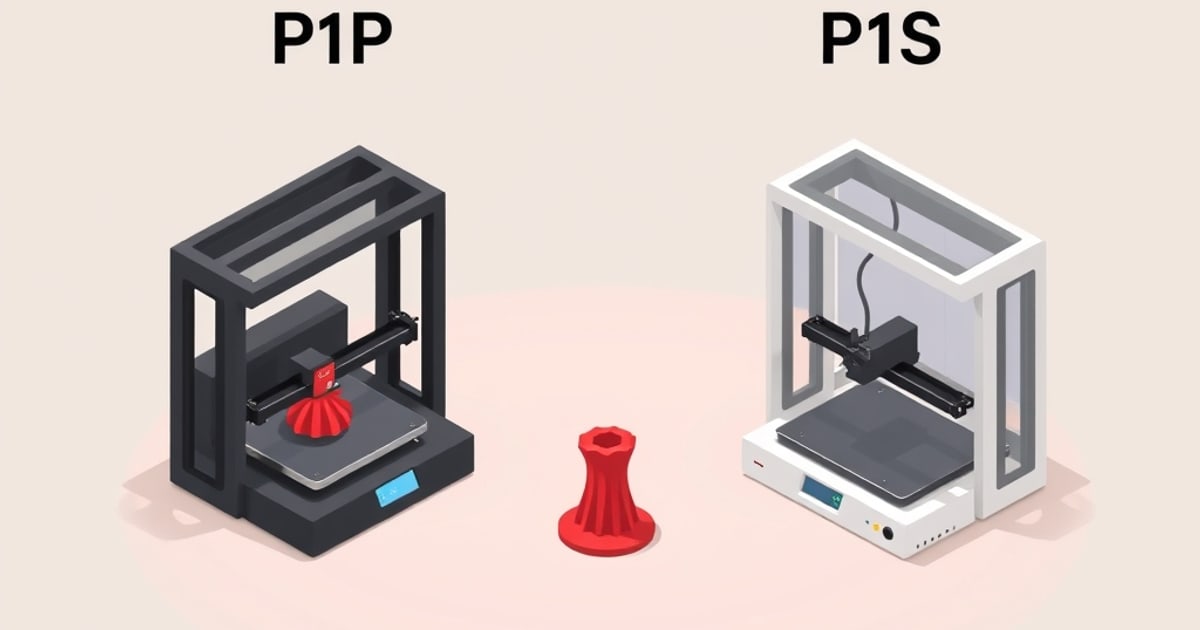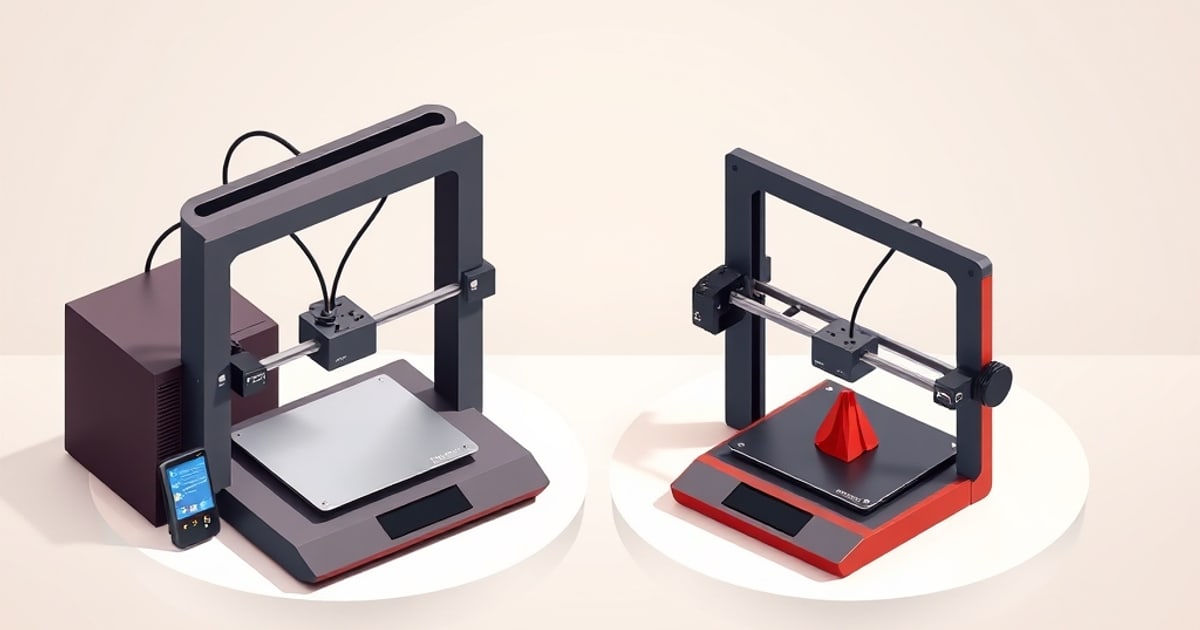
The Bambu P1S and X1 Carbon share the same CoreXY motion system and the same 256 mm cube of build volume, but they no longer sit side by side in Bambu’s store: Bambu Lab discontinued the X1 Carbon in March 2026. The choice now is a new P1S against a used or remaining-stock X1C, and whether the X1C’s additional features justify buying a machine that is no longer sold new. Fixed prices are left out of this page because they change; check the current P1S listing and compare it with what a used X1C actually costs.
If you are buying new and want more than the P1S offers, compare it with Bambu’s newer printers instead, such as the X2D, which Bambu released on April 14, 2026 according to BIKMAN TECH’s X2D guide.
Here is the honest comparison, drawn from published specifications and vendor documentation.
Spec Comparison
| Feature | P1S | X1 Carbon |
|---|---|---|
| Availability | Sold new | Discontinued March 2026 |
| Motion system | CoreXY, 20,000 mm/s² | CoreXY, 20,000 mm/s² |
| Max print speed | 500 mm/s (rated) | 500 mm/s (rated) |
| Build volume | 256 × 256 × 256 mm | 256 × 256 × 256 mm |
| Layer height range | 0.05–0.35 mm | 0.05–0.35 mm |
| Max nozzle temp | 300°C | 300°C |
| Max bed temp | 100°C | 110°C |
| Enclosure | Plastic panels, sealed, carbon filter | Metal sides, glass front, sealed, carbon filter |
| Chamber | Passive (warmed by bed) | Passive (warmed by bed) |
| Display | Monochrome LCD + d-pad | 5” colour touchscreen (1280×720) |
| Micro Lidar | No | Yes, 7 μm resolution |
| Camera | 720p @ 0.5 fps | 1080p @ 30 fps |
| AI failure detection | No | Yes (spaghetti detection via on-board NPU) |
| First-layer calibration | No first-layer inspection | Micro Lidar |
| Officially supported abrasive composites | No | Yes (NylonX, NylonG, CF variants) |
| AMS compatible | Yes | Yes |
| Connectivity | WiFi, LAN, microSD | WiFi, LAN, microSD |
What’s the Same
The P1S and X1C share:
- The same CoreXY structure and motion quality
- Compatible AMS system
- Bambu Studio slicer (identical features for both)
- Hardened steel nozzle compatibility
- PEI plate options
- Over-the-air firmware updates
On paper the platforms match: the same toolhead architecture, the same 20,000 mm/s² acceleration ceiling, the same 300°C hotend, the same slicer profiles, the same pressure advance and input shaping implementation, and the same 16-colour maximum via AMS Hub stacking. Matching specifications are not a measured print-quality result; the differences below are the documented hardware ones.
The 500 mm/s figure is a rated ceiling on both machines, not a speed either one holds on every feature.
The Real Differences
Micro Lidar vs. No First-Layer Inspection
The X1 Carbon carries a Micro Lidar rated to 7 μm resolution that maps the build plate and compensates for surface variation. During the first layer it also scans the deposited filament against the target profile and adjusts flow rate in real time. The P1S runs the same vibration compensation (resonance frequency measurement for input shaping) but has no optical scanning, so it does not inspect the first layer.
Practical impact: both machines level the bed automatically. What the Lidar removes is the setup session: Z-offset dialling, manual flow percentage tests, the usual calibration tower run. The Lidar also becomes more valuable when you print on surfaces that vary in height across the bed, or switch plate types frequently. For most users printing on the same surface consistently, the P1S’s calibration is sufficient once it is dialled in.
AI Camera vs. Basic Camera
The X1C’s 1080p camera runs at 30 fps and feeds a neural-network processing unit built into the mainboard. Bambu Lab’s spaghetti detection algorithm watches the stream for the visual signature of a detached print (filament extruding into the air rather than onto a part) and pauses the job when it fires; Bambu Lab documents the feature and its confidence thresholds on their wiki. The P1S camera runs at 720p and 0.5 fps, which supports remote monitoring via Bambu Handy but cannot do real-time detection.
Practical impact: the AI detection catches obvious spaghetti failures after a delay, not immediately, which is a genuine limitation even on the X1C. Manual monitoring via the P1S camera works, but it requires you to actually check. If you run overnight or full-workday prints unattended, the X1C’s detection is a meaningful difference, though not a foolproof one.
Display and Enclosure
The X1C’s 5-inch colour touchscreen gives direct on-machine access to printer settings, filament calibration routines, and file management. The P1S uses a small monochrome screen with a physical directional pad. If you drive prints from Bambu Studio on a PC or the Bambu Handy app, this is a minor day-to-day difference; if you prefer on-printer control, it matters.
Metal side panels and a glass door replace the P1S’s plastic panels. Both maintain a fully sealed chamber. Both specify the same motion system and input shaping, so the stiffer panels are a build-quality difference rather than a documented print-quality one.
Abrasive Composites and Bed Temperature
The X1C’s hotend and extrusion path are specified for abrasive composites: carbon-fibre reinforced nylon, glass-fibre reinforced variants, and similar materials. The P1S can run a hardened steel nozzle for abrasives, but Bambu Lab does not officially list those materials as supported on it. The X1C’s bed also reaches 110°C against the P1S’s 100°C, which matters for high-temperature nylon grades that want a warm bed throughout the print.
Chamber Behavior
Neither the P1S nor the X1C has an actively heated chamber — both rely on a sealed enclosure that warms passively from the heated bed. (Active chamber heating is a feature of Bambu’s higher H2 line, not these machines.) The X1C’s auxiliary fan is for part cooling and air circulation, not chamber heating.
Practical impact: For ABS and ASA, the passive enclosure on both machines holds enough warmth for most print sizes; large flat parts can still warp on either. Genuinely high-temperature engineering materials (PC, nylon PA) push past what a passively warmed chamber comfortably supports on both — this is not a P1S-vs-X1C differentiator. If you’re not regularly printing engineering materials, chamber temperature isn’t a deciding factor here at all.
Who Should Get the P1S
The P1S is the right choice if:
- Your materials are primarily PLA, PETG, TPU, ABS and ASA, all inside its enclosure and 300°C hotend limits
- You want a printer Bambu still sells new
- You don’t need AI failure detection
- You’re happy to do a one-time calibration session at setup and manually verify overnight prints occasionally
The P1S represents excellent value. For the large majority of use cases, it’s the more rational purchase.
Who Should Consider a Used X1 Carbon
A used or remaining-stock X1C makes sense if:
- Unattended printing is frequent and you want the AI failure-detection layer
- You print across multiple different plate surfaces and want Lidar-assisted first-layer calibration and flow automation
- You regularly run carbon-fibre or glass-fibre reinforced composites and want manufacturer-backed hardware support
- You want the higher-rate camera, the colour touchscreen, and the polished top-tier build
- You can check the unit’s condition and service history, since it is no longer sold new
The Recommendation
Buy the P1S new unless you have a specific reason to want X1C features and can find a sound used unit. For more context, read the X1 Carbon reviewed in full and the AMS troubleshooting guide. Compare a used X1C’s asking price with the current P1S price and what the difference would buy in filament or accessories.
If you are buying new and find the P1S’s features limiting, particularly the lack of AI failure detection on frequent unattended jobs or Lidar-assisted calibration if you swap plate surfaces often, compare the P1S with Bambu’s newer printers, such as the X2D, rather than a discontinued X1C. For most makers printing PLA and PETG daily, the P1S is the better value proposition.
The P1S is not a compromise machine. It has the same motion system, the same rated speed and the same build volume. The X1C’s extra hardware buys specific capabilities (Lidar flow automation, AI failure detection and composite-material support) that are genuinely useful for production-scale or advanced-material work, and hard to justify for casual home printing.
If you’re looking lower in the lineup instead, the open-frame decision is covered in P1P vs P1S, and the bed-slinger choice in A1 vs A1 mini. For where Bambu as a whole sits against other brands, see our Bambu vs Prusa vs Creality framework. For context across the broader landscape, FDMDesk’s buyer guide covers all price tiers including alternatives outside the Bambu ecosystem.
Footprint Note
These machines are the same size on a bench: the P1S is 389 x 389 x 458 mm at 12.95 kg, and the X1 Carbon shares the same enclosed CoreXY chassis class and the same 256 mm cube. Neither moves its plate horizontally, so the listed footprint is the real one. An AMS on the lid adds 226 mm of height to either. The full lineup, including the open-frame machines that need sweep clearance, is in the bed sizes and desk footprints reference.
Both machines run the same slicers, and the calibration difference between Bambu Studio and OrcaSlicer matters more on the P1S than the X1C because the X1C automates flow calibration with its LIDAR module. The slicer comparison covers what that actually changes.
Related across the network
- Voron 2.4 vs Bambu Lab P1S: Build It or Buy It? — voronlab.com