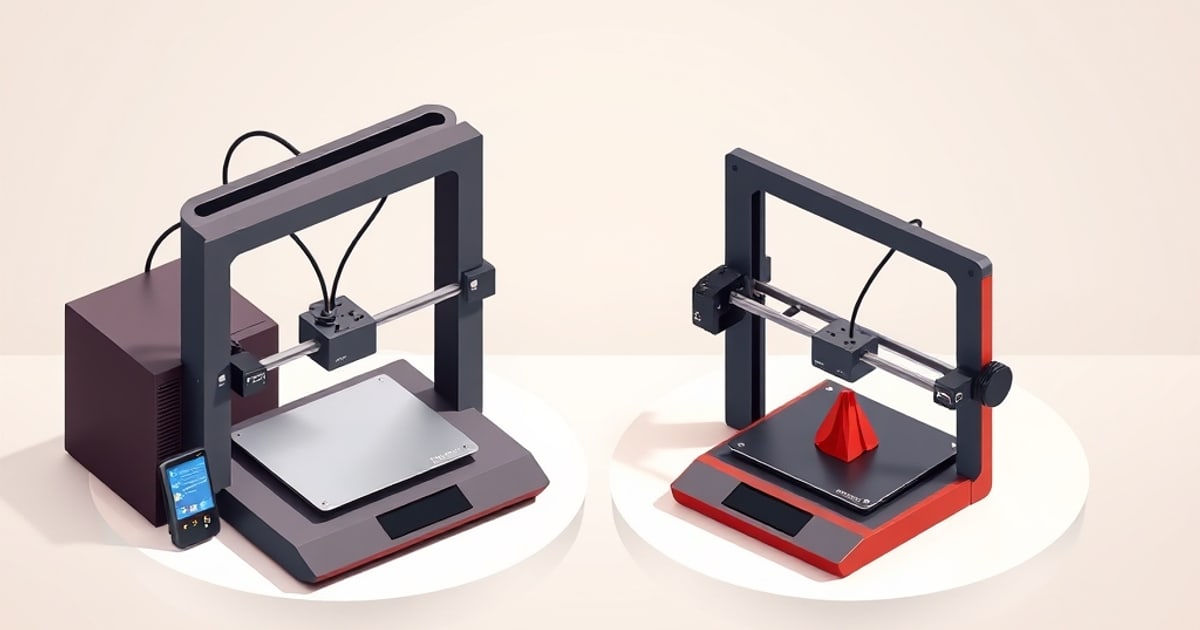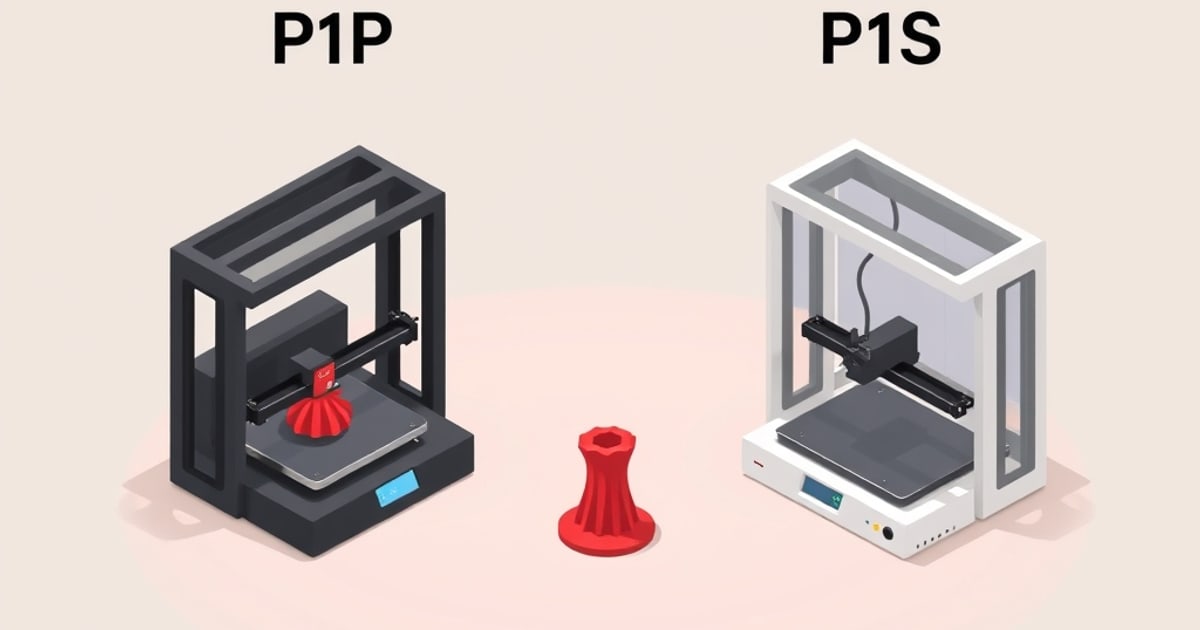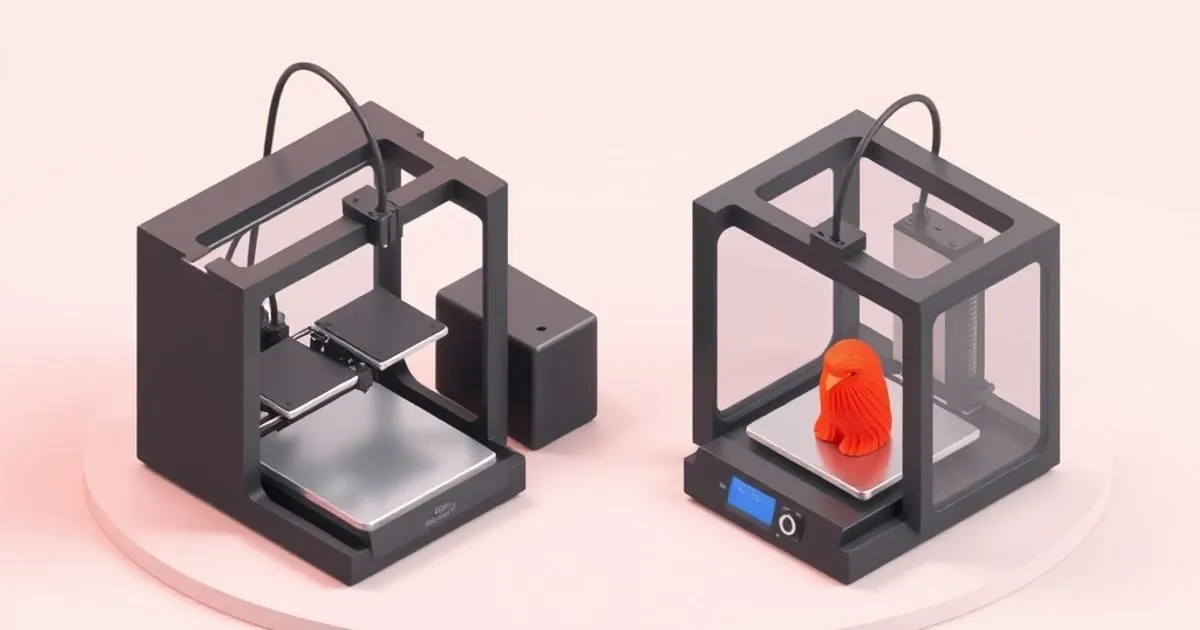
The Bambu Lab A1 vs P1S question comes down to one thing faster than most comparison guides admit: do you need an enclosure? Get that answer right and the rest of the decision mostly falls into place. Get it wrong and you either overspend on features you’ll never use or buy a printer that can’t run the filaments your project actually demands.
Before choosing the open-frame model, read the A1 specifications and safety history.
Specs at a Glance
| Spec | A1 | P1S |
|---|---|---|
| Architecture | Bedslinger (Cartesian, dual-Z) | CoreXY |
| Enclosure | Open frame | Fully enclosed |
| Build volume | 256 × 256 × 256 mm | 256 × 256 × 256 mm |
| Max print speed | 500 mm/s | 500 mm/s |
| Max acceleration | 10,000 mm/s² | 20,000 mm/s² |
| Volumetric flow | ~28 mm³/s | ~32 mm³/s |
| Max nozzle temp | 300°C | 300°C |
| Max bed temp | 100°C | 100°C |
| Multi-material | AMS Lite (4 colors, 1 unit) | Full AMS (up to 4 units, 16 colors) |
| Flow rate sensor | Yes | No |
| Touchscreen | Full-color | Monochrome LCD |
Prices are left out of this table because they change; check the current solo and combo prices on Bambu’s P1S listing and the matching A1 listing before you compare.
Both run Bambu Studio and OrcaSlicer profiles. Both use a textured PEI flex plate with strain-gauge auto-leveling. Neither one requires you to level the bed manually on first boot.
Architecture: Bedslinger vs CoreXY, and Why It Matters Here
The A1 is a bedslinger: the build plate moves along the Y-axis while the toolhead moves in X and Z. The P1S runs CoreXY, where the bed only moves in Z and the toolhead handles X and Y simultaneously. CoreXY is mechanically better for speed — lighter moving mass, shorter belt paths — which is why the P1S can sustain 20,000 mm/s² versus the A1’s 10,000 mm/s².
Sliced print time depends on geometry, layer height and each filament profile’s volumetric flow cap, and both machines share the same 500 mm/s rating, so preview the same part in both printer profiles rather than assuming the acceleration figure decides it. The acceleration gap matters most at the margins: very tall prints, large flat parts where Y travel dominates, or when you’re deliberately pushing flow rate to the limit.
The A1’s dual-Z gantry (two lead screws, one on each side) keeps the X-axis level under load better than a single-Z design. That’s a genuine engineering choice, not marketing noise.
The Enclosure Is the Real Dividing Line
This is where the A1 and P1S actually diverge in daily use.
The P1S is fully sealed with an activated carbon filter. Chamber temperature stabilizes during a print, which matters for ABS, ASA, PA (nylon), and PC — materials that warp badly when ambient temperature swings hit a partially cooled part. Print ABS on an open A1 and you’re fighting layer delamination, warping, and fume exposure. Print ABS in the P1S and it’s unremarkable.
The A1 is an open-frame machine. Check the filaments supported by the A1 for PLA, PETG, TPU and feeder restrictions. Its 100°C bed limit does not make it suitable for every material: Bambu’s A1 FAQ discourages enclosing it. If ABS or ASA is a regular requirement, choose an appropriate enclosed printer.
If your list of target materials is “PLA in 12 colors plus the occasional PETG prototype,” the enclosure is irrelevant to you. If anything on your list says ABS, ASA, CF-nylon, or polycarbonate, the A1 is not the right tool.
Multi-Material: AMS vs AMS Lite
Both support Bambu’s color-change ecosystem, but the implementation differs.
The A1 Combo ships with one AMS Lite. That’s 4 filament slots, non-expandable — you cannot chain a second AMS Lite. If 4 colors is your ceiling, that’s fine. The AMS Lite is lighter and the filament path is shorter, which Bambu says reduces purging waste slightly compared to the full AMS.
The P1S Combo ships with one standard AMS unit (4 slots), but you can chain up to 4 units for 16 active materials per print. That’s the configuration you’d use for professional prop work, game-piece printing, or any project where you’re pulling from a large color palette. The full AMS also has a sealed, desiccant-equipped housing that keeps moisture-sensitive filaments in better condition than the AMS Lite.
For users who want more than 4 colors long-term, the P1S is the only path within the Bambu ecosystem.
Print Quality in Practice
Both printers offer vibration compensation, but their flow-dynamics calibration methods differ. Bambu’s Flow Dynamics Calibration documentation describes pressure compensation through the K value; it is separate from a measured print-quality comparison.
The A1 uses its sensor for automatic flow-dynamics compensation, adjusting the pressure-compensation K value. The P1S uses manual flow-dynamics calibration. This calibration does not measure a spool’s maximum volumetric throughput or replace flow-ratio calibration, which adjusts the extrusion multiplier in the filament profile.
Serviceability
The A1 is easier to work on. The hotend swaps tool-free; the AMS Lite is accessible; the open frame means you can see everything. The P1S requires more disassembly to access the extruder and has a denser internal layout. Neither requires proprietary tools for routine maintenance, but you’ll spend less time on your back with the A1.
Connectivity and Software
Both printers support Wi-Fi, LAN-only mode, and SD card printing. Both are compatible with Bambu Studio and OrcaSlicer’s Bambu device profiles. Cloud-connected features (remote monitoring, push notifications, timelapse via the built-in camera) work identically. The A1’s full-color touchscreen makes navigating print files locally more straightforward than the P1S’s monochrome LCD with physical buttons — a real daily-use difference, not a spec-sheet footnote.
Who Should Buy the A1
- Your material list is PLA, PETG, TPU, PVA — nothing that needs a heated chamber
- You would rather spend on filament and accessories than on an enclosure your materials don’t need
- You want easier serviceability and a better local touchscreen experience
- 4-color multi-material is sufficient for your projects
Who Should Buy the P1S
- You print ABS, ASA, PA, PC, or any reinforced engineering filament
- You need more than 4 active materials per print (chained AMS, 8–16 colors)
- Print throughput at maximum acceleration matters (20,000 vs 10,000 mm/s²)
- You want a sealed, quieter enclosure for a shared workspace
Whatever the current price gap, the P1S buys an enclosure with an activated carbon filter, double the acceleration ceiling, a slightly higher volumetric flow rate, and scalable multi-material. For hobbyists printing PLA, PETG and TPU on an open bench, the enclosure adds little. For anyone printing ABS, ASA or engineering materials, or running a small print business with color variety demands, it is the reason to choose the P1S.
The Desk-Space Tiebreaker
Both machines give the same 256 × 256 × 256 mm build volume, so the plate is not the deciding factor — the bench is. The A1 measures 465 × 410 × 430 mm and moves its plate through the Y axis, so it needs clearance in front and behind that its spec line does not describe. The Bambu Lab P1S is narrower at 389 × 389 × 458 mm and keeps the plate still, so its footprint is genuinely its footprint — but it is taller, heavier at 12.95 kg, and an AMS on the lid adds another 226 mm of required clearance.
If your constraint is a low shelf, the A1 wins. If it is a narrow desk, the P1S wins. Full figures for every model are in the bed sizes and desk footprints reference, and if this is a first machine, the beginner buying guide covers the same three machines from a different angle.
Related across the network
- Voron 2.4 vs Bambu Lab P1S: Build It or Buy It? — voronlab.com