This Bambu Lab A1 review evaluates the published specifications for an open-frame printer with a 256 mm build volume and optional AMS lite. Its main strengths are automatic calibration and plate area; its main limit is the lack of an enclosure for demanding materials.
A used-unit purchase also needs a service-history check. The documented 2024 heatbed recall and later power-board reports are separate issues. Purchase date or a seller’s description alone does not establish whether a particular unit received the appropriate remedy.
Specifications
| Spec | Value |
|---|---|
| Build volume | 256 × 256 × 256 mm |
| Max print speed | 500 mm/s |
| Max acceleration | 10,000 mm/s² |
| Layer height range | 0.08–0.28 mm |
| Max hotend temp | 300°C |
| Max bed temp | 100°C |
| Published maximum flow | 28 mm³/s under Bambu’s specified ABS test conditions |
| Extruder type | Direct drive |
| Bed surface | Flexible PEI magnetic |
| AMS Lite support | Up to 4 colors (1 AMS Lite max) |
| Camera | Integrated, 1 fps |
| Connectivity | Wi-Fi |
| Enclosure | No |
| Material families listed as ideal | PLA, PETG, TPU, PVA |
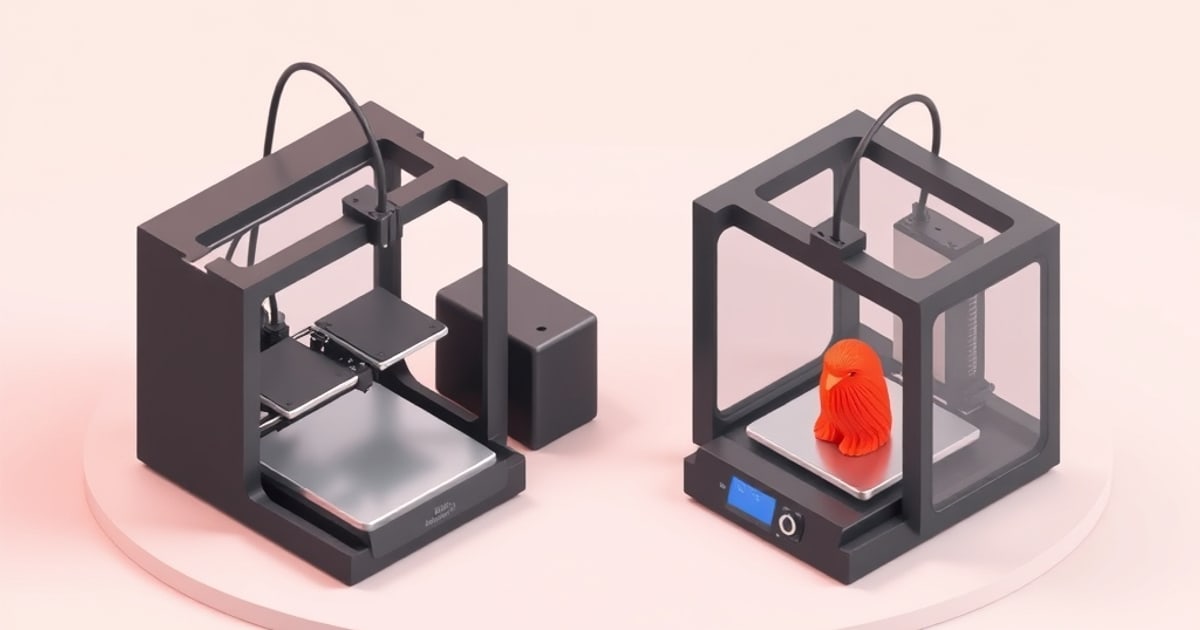
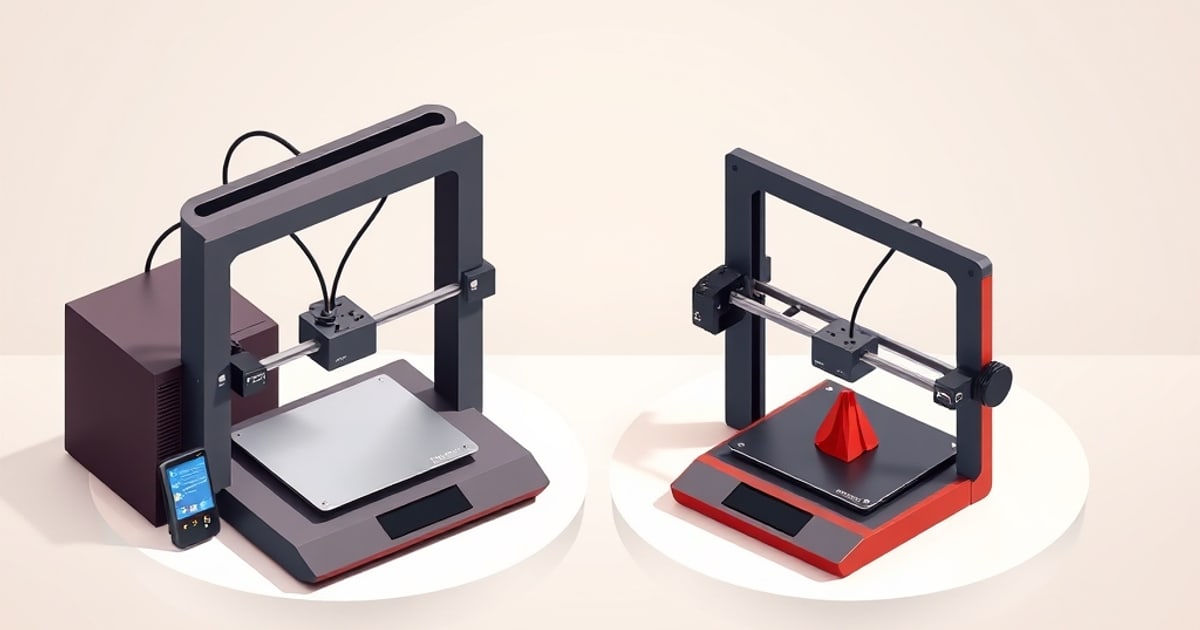
The A1 is an open-frame bed-slinger. No enclosure. That puts ABS and ASA outside its practical operating range — warping and layer separation on those materials require a chamber above ~40°C that the A1 cannot maintain. For PLA, PETG, and TPU, the open frame is not a limitation.
Out of the Box
Bambu documents automatic bed leveling, vibration compensation and flow dynamics calibration. Use the setup guide for the A1 and select its matching printer profile. These features support setup, but a specification sheet does not provide a first-print success rate or remove the need for correct filament and plate settings.
The included 0.4 mm nozzle is stainless steel. Select the supported hotend assembly and follow the model-specific replacement instructions when changing it. A nozzle swap does not expand the printer’s chamber-temperature capabilities.
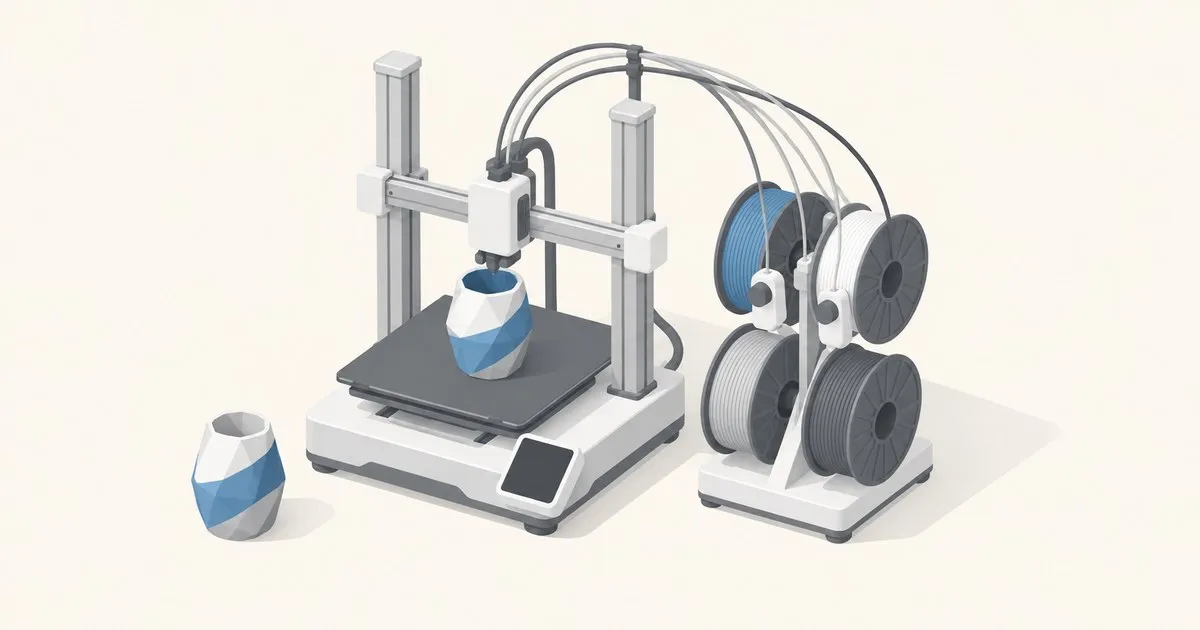
The Combo adds an AMS lite with four spool positions. It is an open spool holder, so storage and drying requirements still follow the filament manufacturer’s instructions. Compare the current bundle price with separate purchases using the same included accessories.
Print Quality
The 500 mm/s figure is a maximum motion rating. Geometry, acceleration, layer height, cooling and the filament profile’s volumetric flow limit determine the sliced print time. Bambu qualifies its published 28 mm³/s flow figure with a particular ABS model and temperature; it is not a universal PLA or PETG setting.
Changing layer height and wall count changes detail and material use. Preview your intended part in Bambu Studio instead of assuming that a headline speed predicts its finish or completion time. The filament settings guide explains the settings to check for a new spool.
Direct drive supports flexible-filament use, but the exact TPU grade still determines feed-path and speed requirements. Printer support is separate from AMS lite support. Do not assume that every flexible spool can use the automatic feeder.
Match the physical build plate to the slicer selection. PETG on Smooth PEI needs the release layer specified by Bambu; Textured PEI has different adhesive guidance. Our build-plate comparison explains that distinction. A blanket instruction to skip glue would be inappropriate across both surfaces.
Reliability: Two Incidents You Should Understand Before Buying Used
The A1’s hardware history includes two distinct incidents.
2024 heatbed cable recall. The CPSC recall notice identifies electric-shock and fire hazards and about 12,800 affected units. Follow its identification and remedy instructions alongside Bambu’s recall update. Stop using an affected unrepaired printer and arrange the manufacturer-supported remedy; do not infer service status from its age.
2025–2026 power distribution board thermistor. A separate problem emerged publicly in late 2025. The NTC thermistor on the AC power distribution board was observed running at approximately 140°C in some units, sufficient to soften adjacent plastic. 3D Print Core documented that Bambu placed the failure rate at roughly 0.05% of units shipped and redesigned the board by removing the thermistor from late-2025 production onward. ToolGuyd reported that A1 units shipping in late December 2025 already carried the revised component.
A 0.05% failure rate is low in absolute terms, but a thermal event in a home environment is a different calculation than a percentage. Bambu offered repairs and replacements to affected owners. If you buy a used A1, ask the seller to confirm whether the board has been revised or serviced. A unit with an unverified power board from pre-late-2025 production is a reasonable concern.
These reports do not establish a general long-term failure rate. For a used printer, documented service history is more useful than a broad reliability claim.
Software and Connectivity
Bambu Studio provides manufacturer presets and the device workflow. OrcaSlicer shares its ancestry and offers a separate calibration interface; the SoftFever and OrcaSlicer comparison explains the optional Bambu networking plugin.
The A1 specification describes a low-rate camera with timelapse support. That feature is separate from automatic failure detection. Check the documented restrictions of LAN-only and cloud modes against the functions you intend to use rather than assuming they offer identical remote access.
Who Should Buy / Who Should Skip
Consider the A1 if:
- Your models need more than the mini’s 180 mm envelope or more plate area for batches.
- Your main materials are PLA and PETG and fit an open-frame workflow.
- Automatic calibration and four-slot AMS lite support match your needs.
Consider another model if:
- Your material requires an enclosure; start with A1 vs P1S.
- Your AMS lite workflow needs more than four loaded filaments.
- You cannot establish the service history of a potentially affected used unit.
For small parts, compare A1 vs A1 mini before paying for more build volume. For a first printer, the beginner buying guide puts both machines alongside the enclosed P1S.
Specification-Based Verdict
Editorial score: 4.0/5 for PLA/PETG use. This is an editorial judgment from the cited specifications, not an average of owner ratings or a measured performance result. The 256 mm build volume, automatic calibration and AMS lite option support the recommendation. The open frame and four-slot AMS lite limit its suitability for engineering materials and larger multi-color workflows.
The score does not certify an individual printer’s electrical condition. Resolve recall and service questions separately before using a secondhand machine. Product prices and bundle contents change, so compare current listings rather than treating an old headline price as part of the rating.